
Computing
Computing
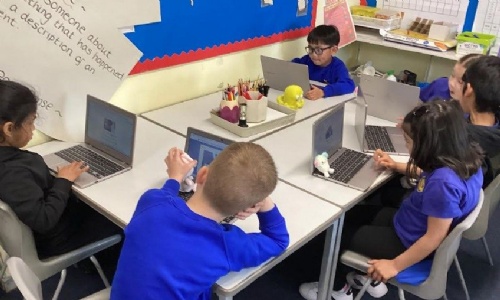
Children in Year 1 have created a ’Missing Toy’ poster using the word processor program – Google Docs.
They enjoyed exploring the different buttons available on the toolbar, using these to change their own text. They used the shift key to add capital letters to their writing.
The children are now beginning to understand when it is best to change the look of their text and which tool will achieve the most appropriate outcome.
Year 1 were able to use their mouse cursor to select text to enable them to make more efficient changes. They explored the different fonts and colours available to them in order to change the look of their lost toy poster.